There are quite a few PDF managers available for macOS and owning a proper one is a must for many users. A perfect PDF manager provides many functionalities and it doesn't leave you looking for a new program to use for missing functions. Let's see how PDF Reader Pro - Lite for Mac holds up!
Clean interface but heavy restrictions
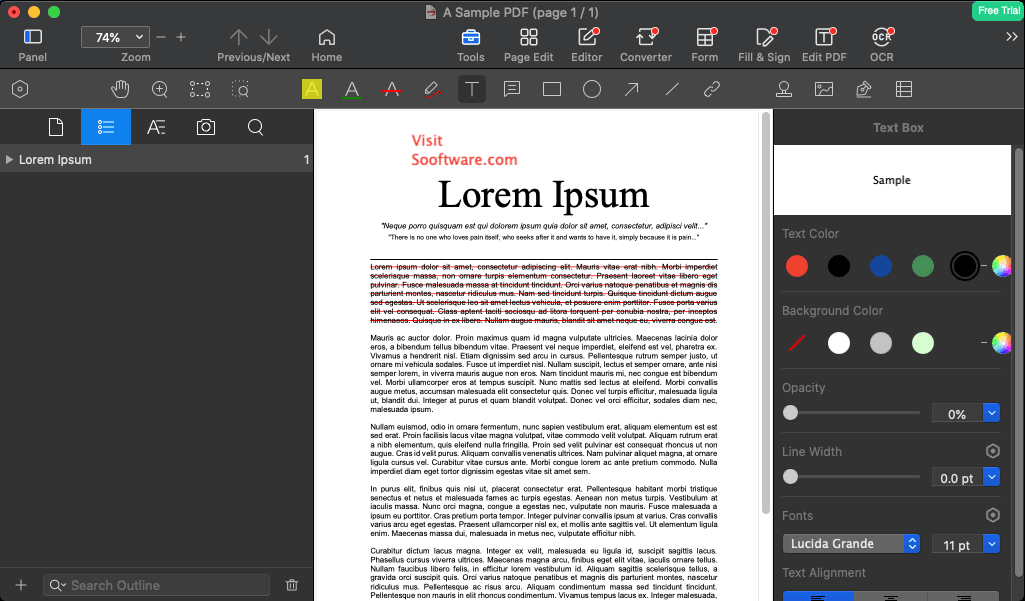
First of all, its design looks great! Everything can be accessed simply by clicking the buttons on the top bar. Some of the most useful options are also displayed at the center of the window until you open a PDF file. If you want to enjoy the full package, you will have to pay, as you'll notice that almost every advanced option is blocked until you buy the full license. You can also activate a 7-day trial to see how you like the premium features.Basic conversion and editing features
There aren't many free options you can use. For instance, you can convert your PDF file to or from Word, Excel, PPT, Image, and other formats. However, you can only do it for the first 10 pages. You can also insert signatures (without advanced features) or combine PDF documents, but only up to two files.Cloud sync and document security
You can only sync 10 files per day using Dropbox and add annotations that only contain hyperlinks pointing to a specific page number. On the bright side, you can use some security options to prevent the file from being copied or printed, or you can add a password required to open it.Upgrading and volume licensing
There is really nothing else to say as the app is severely limited and you'll have to buy the full version or use the 7-day free trial if you wish to see what the software really has to offer. If you decide to go for the full version, keep in mind there are also special discounts for education accounts. If you want to make a bulk education or military purchase, you can simply contact the developers. Volume Purchase Program for organizations or educational institutions is also supported.